Automatic or Manual Scans
A project scan automatically initiates if a change to a source file has been committed to the project's repository. This is true for any branch you might be working with. While the scan is in process, a green progress bar moves across the top.
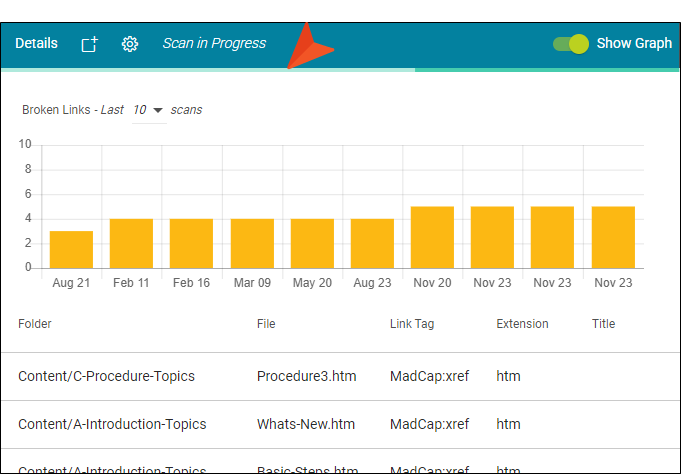
When you no longer see the green bar, the scan is finished. Larger projects take longer to scan.
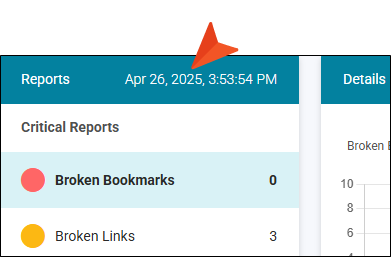
The last time the project was scanned is indicated in the upper-left part of the page, next to the Reports pane heading.
You can also click  in the main toolbar to initiate a scan manually whenever you like.
Note You do not need permissions to open the Reports page or to view results of the automatically launched scan of the project. However, if you want to start a scan manually, you need to have the Scan permission.
Note This feature is currently limited to projects smaller than 1 GB. Projects larger than that will not be scanned for reports or statistics.

